DMAP-AI Research Version
ChatGPT Custom GPTWatch the video first
New to the DMAP-AI Custom GPT? This video shows how to run SPI, wavelet, and drought-risk analysis inside ChatGPT.
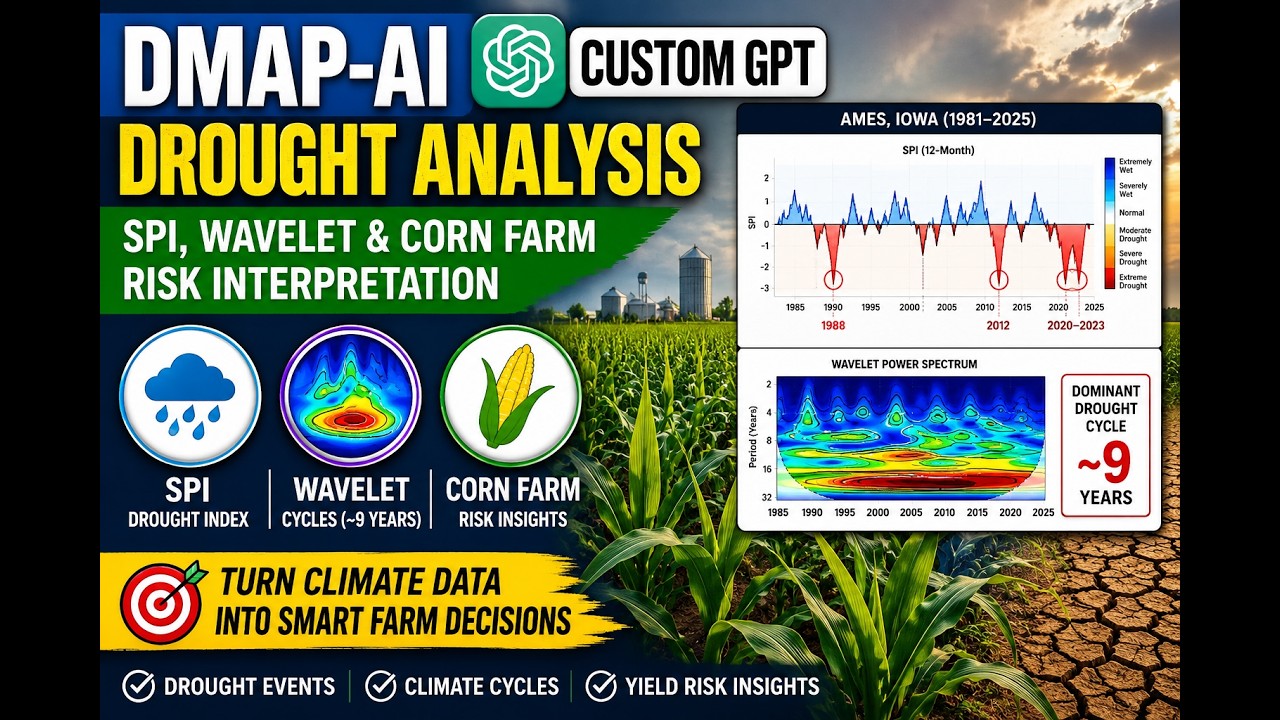 Watch the Custom GPT video
Overview
DMAP-AI is an AI-powered drought analysis system inside ChatGPT using SPI-based scientific workflows.
Capabilities
- SPI drought index analysis (1981–2024)
- Drought event detection
- Wavelet scalogram & global spectrum
- Climate variability diagnostics
- AI interpretation
⚠️ Tool Limitations (IMPORTANT)
- Only SPI is supported (no PDSI, SPEI, or multi-index fusion)
- Data sources: NASA POWER + ERA5-Land/CDS only
- Analysis type: yearly & point-based only
- No forecasting or future prediction
- Wavelet analysis is descriptive, not predictive
- Results depend on single-location time series
🧠 Best Practice for Prompts
For best results, explicitly request that DMAP-AI run the analysis.
Prompt Structure:
Use DMAP-AI (a custom GPT available in this chat) to
RUN / PERFORM / GENERATE
+ Analysis Type
+ Location
+ Time Range
+ Dataset
+ Desired Outputs
Use DMAP-AI (a custom GPT available in this chat) to
RUN / PERFORM / GENERATE
+ Analysis Type
+ Location
+ Time Range
+ Dataset
+ Desired Outputs
- Start prompts with Run, Perform, Generate, or Analyze.
- Specify the location.
- Specify the time period.
- Specify NASA POWER or ERA5-Land.
- Describe the exact output you want (events, SPI table, wavelet results, report, etc.).
📊 Ready-to-use Scientific Prompts
These prompts are designed for the DMAP-AI app. Include the phrase "Use DMAP-AI" in your request so ChatGPT knows to run the DMAP-AI analysis tools rather than answering from general knowledge.
- Use DMAP-AI to analyze drought severity events for Ames, Iowa (1981–2025) using NASA POWER data. Return the drought-event table with duration, minimum SPI, magnitude, and severity.
- Use DMAP-AI to generate the SPI table for Ames, Iowa (1981–2025) using NASA POWER data and classify each period.
- Use DMAP-AI to run a wavelet scalogram analysis for Ames, Iowa (1981–2025) using NASA POWER data and identify high-power zones.
- Use DMAP-AI to analyze drought periodicity for Ames, Iowa (1981–2025) using NASA POWER data and identify dominant drought cycles.
- Use DMAP-AI to generate a scientific drought report for Ames, Iowa (1981–2025) using NASA POWER data.
⚙️ How to Install / Use DMAP-AI in ChatGPT
DMAP-AI Research Version runs inside ChatGPT as a Custom GPT connected to MCP tools.
- 1. Open ChatGPT (Plus / Team / Enterprise account)
- 2. Go to "Explore GPTs"
- 3. Search for "DMAP-AI"
- 4. Click "Open in ChatGPT" from this page
- 5. Start using prompts like SPI analysis, wavelet analysis, or drought reporting
Direct Access: Click the button below to launch the GPT.
Note: Availability depends on GPT publishing status and account permissions.